How do I set up per-user Jira authorization in Opine?
Last updated: August 28, 2026
Opine now supports per-user authorization for Jira, which means that requests created in Opine will appear in Jira as if they were created by the actual Opine user who submitted them, rather than a generic system user. This provides better tracking and attribution of requests in your Jira workflow.
Details
To enable per-user Jira authorization, each Opine user individually connect their Jira account. Here's how to set it up:
Each Opine user should navigate to Settings → Authorizations
Click the "Connect" button to authorize their individual Jira user account
Important: If users have access to multiple Jira sites, they must choose the correct Jira site that is connected to Opine when they enter the Jira/Atlassian authorization interface
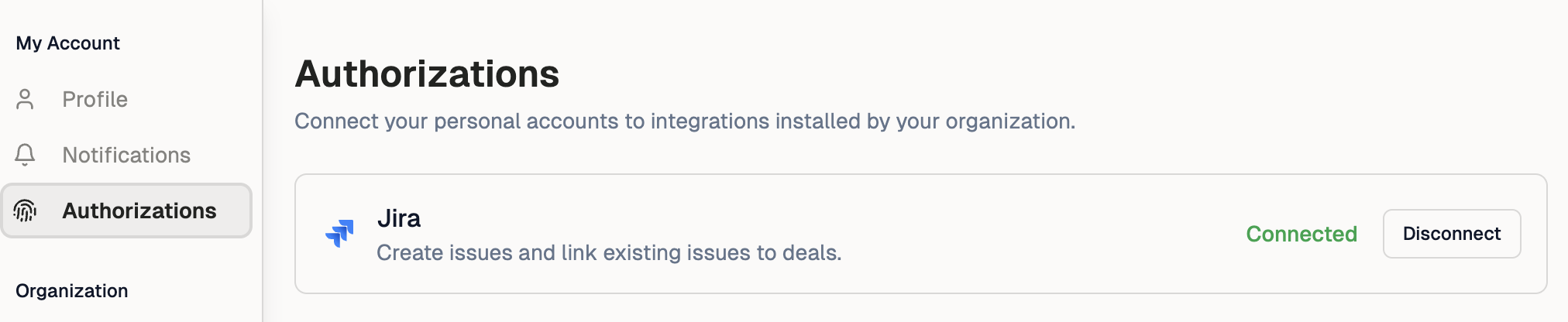
Once connected, requests created by that user in Opine will appear in Jira as being created by their individual Jira account, providing better visibility and tracking of who submitted each request.